
Schedly resources
Consulting Client Meeting Scheduling: Efficiently Coordinate Consultations
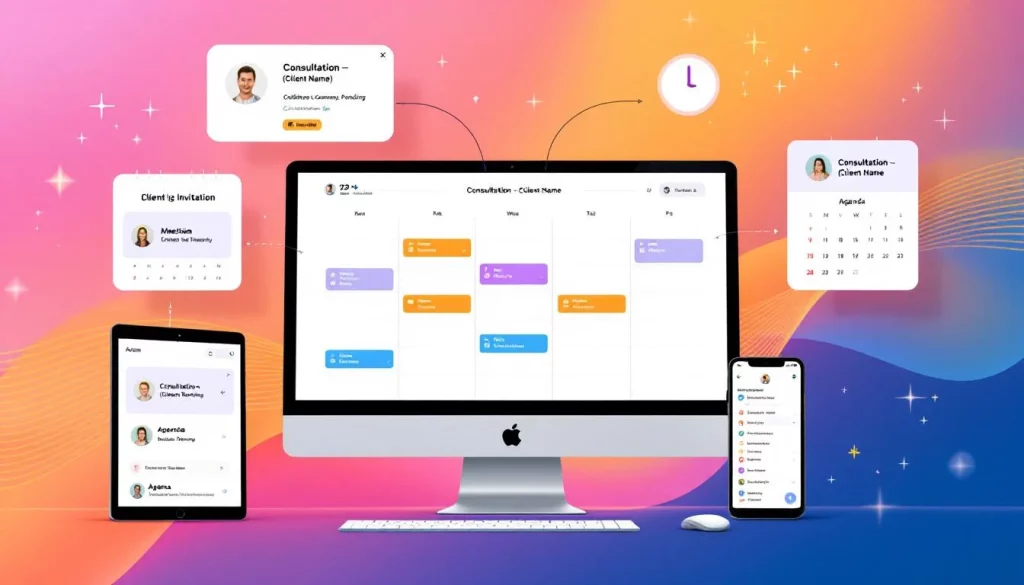
Consulting client meeting scheduling is broken for most firms. Your team wastes hours coordinating across time zones, managing calendar conflicts, and handling back-and-forth emails just to lock in a single consultation.
At Schedly, we've seen how the right scheduling approach transforms this chaos into a streamlined process. The practices and tools we cover here cut administrative overhead and get more consultations booked.
Why Scheduling Falls Apart When Consultants Operate Globally
Time Zones Create Impossible Meeting Windows
Global consulting teams face a brutal reality: time zones transform scheduling from a logistical problem into an operational crisis. When your team spans New York, London, and Singapore, finding a slot that works for everyone becomes nearly impossible. A 9 AM meeting in New York means 2 PM in London and 9 PM in Singapore-that last consultant either skips the call or joins exhausted. The math gets worse with each additional location. A consultant managing clients across just three regions loses roughly 8–10 hours monthly just coordinating meeting times through email chains. Most teams still rely on email, spreadsheets, and manual calendar checking, which means administrative overhead scales with every new client relationship.
Fragmented Systems Breed Double Bookings
Double bookings happen constantly because consultants operate across fragmented systems. Your Google Calendar shows availability, but your assistant scheduled something in Outlook. A client books a time slot that technically works, but you already committed that hour to internal preparation. These conflicts create a domino effect: rescheduled meetings delay project kickoffs, missed consultations frustrate clients, and your team spends hours untangling the mess.
The real cost isn't just the time spent fixing conflicts-it's the reputation damage when clients experience flakiness. Studies on professional services show that scheduling errors directly correlate with client satisfaction impacts.
Administrative Work Steals Hours from Client Value
When manual coordination consumes your administrative staff, you prevent them from higher-value work like preparing meeting materials, following up on action items, or building client relationships. One mid-sized consulting firm tracks that their team spent significant time on scheduling coordination alone-that's hours annually that could have gone toward client delivery or business development instead.
These operational failures don't just frustrate your team. They signal to clients that your firm lacks the infrastructure to handle their needs professionally. Modern scheduling software addresses each of these problems head-on, and the next section shows how.
How Scheduling Software Eliminates Coordination Friction
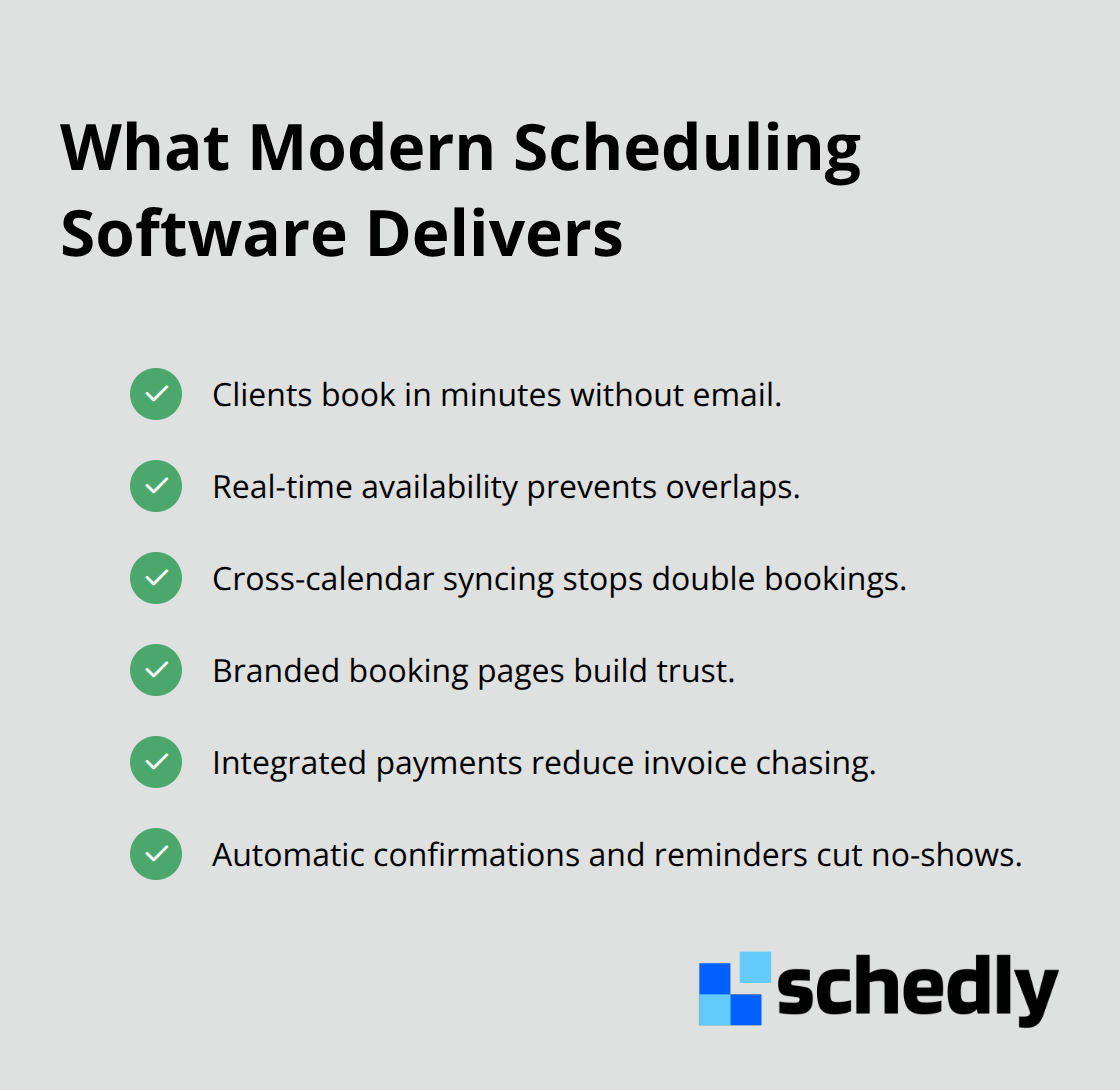
Scheduling software replaces manual workflows with automation that removes the back-and-forth entirely. Instead of email chains, clients visit a branded booking page where they see your actual availability in real time and select a slot that works for them. Clients book directly without a single email exchange, and the system automatically syncs with your calendar to prevent conflicts. Consultants working across multiple calendars face a specific problem: availability shown in one system doesn't reflect blocks in another, leading to double bookings.
Real-Time Availability Prevents Scheduling Chaos
The friction point in consulting scheduling isn't the scheduling itself-it's the back-and-forth required to find a time that actually works. Email chains with 5+ participants asking for availability take days to resolve. Scheduling software shows your real availability instantly, accounting for time zones automatically. When you set your working hours and buffer time between meetings, the system enforces those boundaries without manual intervention. A consultant managing clients in three time zones can set their availability window from 8 AM to 6 PM their local time, and the software displays those slots converted to each client's time zone. This eliminates the math errors and confusion that plague email-based coordination. Reminders sent automatically one week, one day, and one hour before meetings reduce no-shows significantly. Research on appointment confirmations shows that proactive reminders decrease no-show rates, directly improving your billable utilization.
Automation Handles Logistics That Steal Hours
Post-booking automation separates efficient consulting operations from chaotic ones. When a client books a consultation, automated workflows can automatically send a detailed agenda, generate a meeting link for video calls, add the appointment to team calendars, and flag preparation tasks for your staff. This eliminates the manual work of sending confirmation emails, creating Zoom links, and scheduling internal prep meetings. For consulting firms with multiple team members involved in client calls, automation ensures everyone receives the meeting details without anyone having to coordinate distribution. Payment processing integration also triggers workflows-once a client completes payment, the system can automatically send a receipt, add them to your CRM, and notify your team that the consultation is confirmed and paid. This reduces the administrative work that prevents your team from focusing on actual client value delivery.
Multi-Calendar Synchronization Stops Conflicts Before They Happen
Your team members maintain calendars across multiple platforms (Google Calendar, Outlook, personal devices), and manual checking creates blind spots. Scheduling software syncs all these calendars in real time, so availability reflects every commitment your consultants make. When a client books a slot, the system blocks that time across all connected calendars instantly. This approach eliminates the scenario where a consultant appears available in one system but already committed in another. The result: your team stops wasting hours rescheduling meetings and explaining conflicts to frustrated clients. With synchronized calendars, your consultants focus on preparation and delivery instead of calendar management.
Branded Booking Pages Convert Inquiry Into Confirmation
A branded booking page acts as your scheduling front door. Clients land on a page that matches your firm's branding, see your actual availability without asking, and complete their booking in under two minutes. This removes the entire email negotiation phase that typically consumes hours. Clients appreciate the transparency and control-they choose their preferred time rather than waiting for your team to respond to availability requests. The booking page also captures client information automatically, populating your CRM without manual data entry. This data flows directly into your systems, so your team starts each consultation with complete context about the client's background and needs. The next section covers the operational practices that work alongside these tools to create a truly efficient consulting meeting schedule.
How to Structure Your Availability So Clients Book Without Friction
Define Hard Boundaries for Your Availability Window
Your availability window is not a suggestion-it's a hard boundary that protects your team's capacity and sets client expectations correctly. Most consulting firms fail here by showing too much flexibility, creating the impression that any time works. This leads clients to request slots outside your actual working hours, forcing your team to either disappoint them or overcommit. Instead, define specific availability windows based on your time zone and stick to them.
If you work 8 AM to 6 PM your local time, configure your scheduling software to display only those slots, automatically converted to each client's time zone. This eliminates confusion and prevents clients from booking calls at 10 PM because they misread the time conversion. For consultants managing multiple time zones, narrow your availability further. A consultant serving clients in US Eastern, Central European, and Asia-Pacific time zones might set their available window to 2 PM to 5 PM Eastern Time only-the three-hour window where overlap exists across all three regions.
This sounds restrictive, but it prevents the exhaustion and scheduling chaos that comes from trying to accommodate every possible time slot. Clients understand constraints better than they understand vague flexibility. When your booking page clearly states you're available Tuesday through Thursday from 2 PM to 5 PM Eastern, clients self-select into those windows or they don't book at all. That's preferable to booking a Friday 8 AM call that leaves your consultant jet-lagged and unprepared.
Insert Buffer Time Between Consultations
Buffer time between meetings is non-negotiable, yet most consulting firms schedule back-to-back consultations. Research on task switching shows that moving directly from one client call to another without transition time reduces the quality of both interactions. Add 15 minutes between standard consultations and 30 minutes between complex or high-stakes meetings.
This buffer accomplishes three things: your consultant has time to review notes from the previous call and prepare for the next one, they can handle urgent follow-ups without delaying the next client, and they avoid the fatigue that comes from continuous back-to-back interactions. In your scheduling software, set these buffers as non-bookable blocks so clients never see them as available. When a client books a 60-minute consultation ending at 2 PM, the next available slot shouldn't appear until 2:15 PM or 2:30 PM depending on your buffer setting.
Deploy Multi-Touch Reminders to Reduce No-Shows
Reminders are your second defense against no-shows. Send the first reminder one week before the consultation-this catches clients who forgot they booked and gives them time to reschedule if needed. Send the second reminder 24 hours before, and the third one hour before the meeting.
Research on appointment adherence shows that three-point reminder sequences reduce no-show rates significantly. Include the meeting link, time in the client's local time zone, and any materials they should review beforehand. This multi-touch approach costs nothing in a modern scheduling system but prevents the revenue loss and consultant frustration that comes from clients simply not showing up. Scheduling software automates these reminders without your team lifting a finger once the system is configured, freeing your staff to focus on actual consultation preparation instead of sending reminder emails manually.
Final Thoughts
Consulting client meeting scheduling transforms from a source of friction into a competitive advantage when you implement the right systems and practices. Firms that automate their scheduling eliminate hours of administrative waste, reduce no-shows, and deliver better client experiences. Your team stops spending time on calendar coordination and starts focusing on what actually generates value-preparing for consultations and delivering results.
Hard availability boundaries prevent clients from requesting impossible time slots, buffer time between meetings protects your consultants' capacity and preparation quality, and multi-touch reminders reduce no-shows without requiring manual effort. Calendar synchronization stops double bookings before they happen, while branded booking pages convert inquiry into confirmation in minutes rather than days. Schedly handles the automation that makes these practices sustainable by providing branded scheduling pages where clients book directly, syncing across Google Calendar and other systems to prevent conflicts, processing payments through Stripe and PayPal to eliminate invoice chasing, and automating reminders and follow-ups without manual intervention.
The firms winning in consulting today operate with the most efficient processes, not the most consultants. Consulting client meeting scheduling efficiency directly impacts your billable utilization, client satisfaction, and team morale. Start by defining your availability boundaries, add buffer time between meetings, and deploy automated reminders-then layer in scheduling software that handles the coordination work your team currently does manually.