
Schedly resources
Efficient Booking Page Tips: Convert Visitors Into Appointments Faster
Your booking page is often the final barrier between interest and a confirmed appointment. At Schedly, we've seen firsthand how small design and strategy changes can dramatically increase conversion rates.
This guide shares efficient booking page tips that reduce friction, build trust, and turn more visitors into scheduled appointments.
Optimize Your Booking Page Design
Strip Your Booking Flow to Essentials
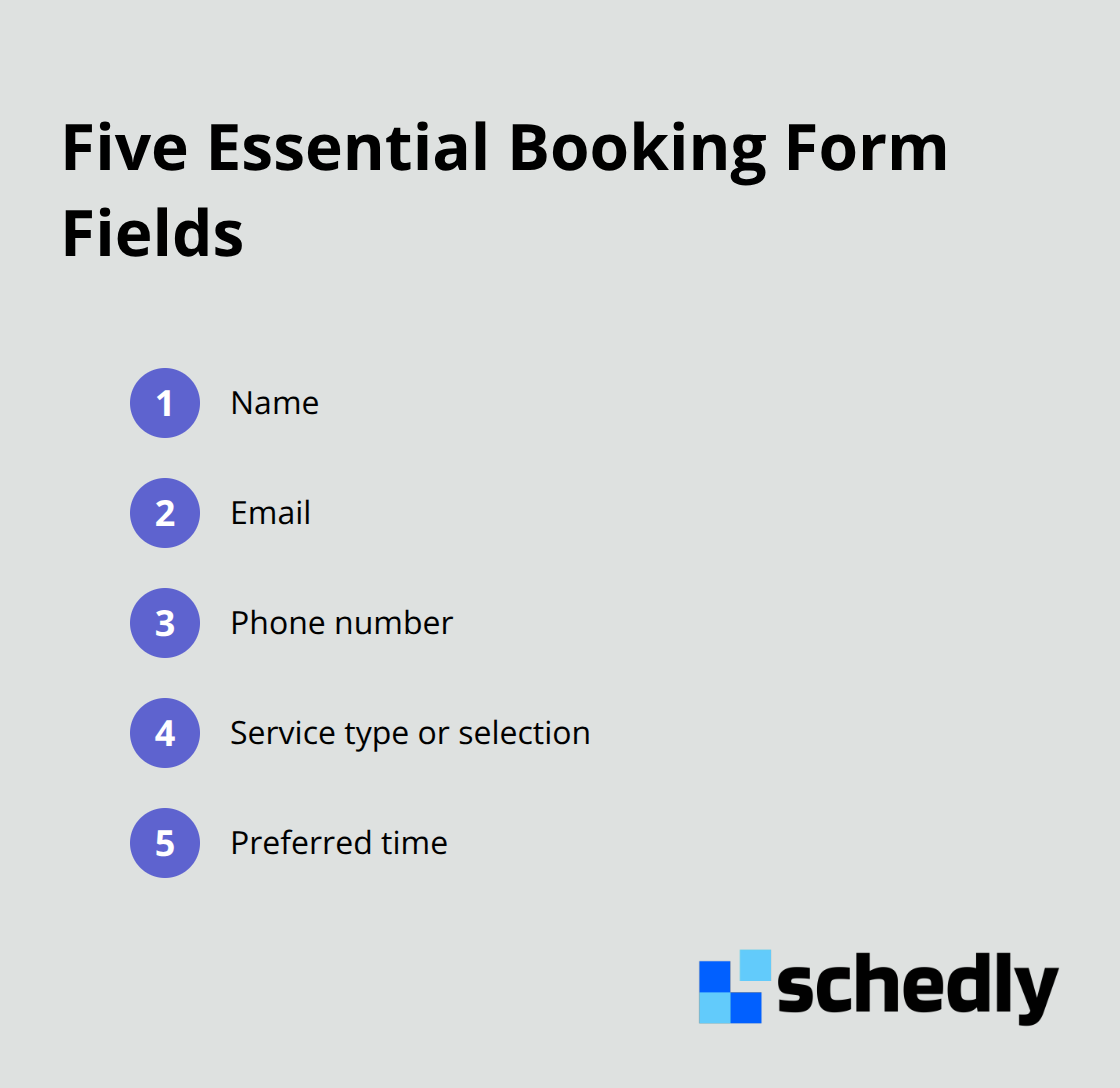
The booking experience starts the moment a visitor lands on your page, and every unnecessary step costs you appointments. Visitors expect to complete a booking in under two minutes. If your form requires more than five fields before confirming an appointment, you lose conversions. Cut your booking flow down to what matters: name, email, phone number, service type, and preferred time. Everything else can wait until after confirmation. Collect additional details through automated follow-up messages or during a pre-appointment call.
Position Your Call-to-Action Above the Fold
Your call-to-action button must appear above the fold on every relevant page, so visitors see it without scrolling. Use action-oriented language that matches what visitors want to accomplish, not generic phrases like Submit or Continue. Something like Schedule Your Appointment or Book Your Consultation converts better because it clearly states the outcome. Make this button visually distinct from other page elements using contrasting colors that match your brand. Test button placement across your top navigation, hero section, and service pages to find where conversions spike.
Prioritize Mobile-First Design
Mobile devices now account for over 60 percent of appointment bookings across service industries. If your booking page isn't optimized for mobile, you turn away the majority of your potential customers. Ensure buttons are large enough to tap without zooming in. Load times matter significantly on mobile connections; compress images and minimize redirects to keep your page fast. Visitors on phones should complete a booking without pinching, zooming, or scrolling excessively. Test your mobile experience regularly on actual devices, not just browser simulators, because real-world performance varies.
Display Live Availability Instantly
Real-time availability display is non-negotiable for mobile users, who expect to see open slots instantly and book without waiting for email confirmations. If your scheduling tool doesn't show live availability updates, visitors perceive higher risk and delay their decision or book elsewhere. This real-time visibility transforms how visitors interact with your booking page and directly impacts whether they complete their appointment or move on.
Build Trust and Reduce No-Shows
Leverage Customer Reviews to Drive Conversions
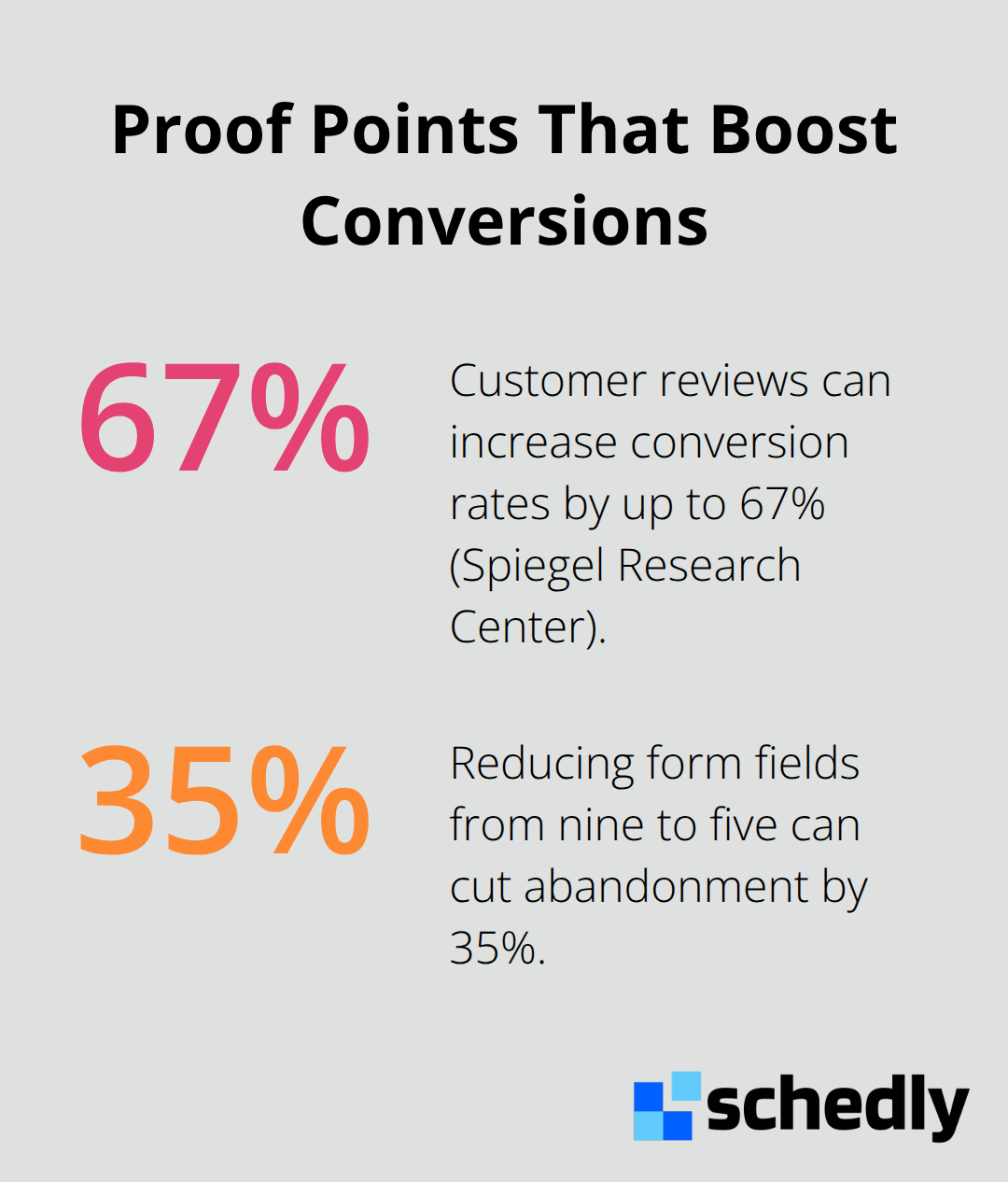
Customer reviews are your strongest conversion tool, yet most booking pages bury them or skip them entirely. Research from Spiegel Research Center shows that customer reviews increase conversion rates by up to 67 percent. Place customer testimonials directly on your booking page, not on a separate reviews section visitors never reach. Include specific details in reviews: what service the customer booked, how long it took, and the outcome. A review that says "Great experience" converts far fewer visitors than "Booked a consultation in 2 minutes, the staff was professional, and I got results within a week." Real photos of actual customers next to their reviews boost credibility significantly more than stock images.
Display Staff Credentials and Real-Time Availability
Your staff's qualifications and real-time availability are equally important for conversion. Visitors hesitate to book when they can't see who they're booking with or whether that person is actually available. Display staff credentials prominently: certifications, years of experience, specializations, and relevant achievements. Healthcare providers should show medical licenses or board certifications. Fitness coaches should display relevant training certifications. Legal professionals should list bar admissions and practice areas. Real-time availability removes the biggest barrier to conversion: uncertainty. When a visitor sees that your team member has an opening at 2 PM tomorrow, they book immediately instead of waiting for email back-and-forth. Outdated calendars that show slots as available when they're actually booked destroy trust instantly and lead to angry customers and wasted staff time managing double bookings.
Secure Payments and Flexible Payment Options
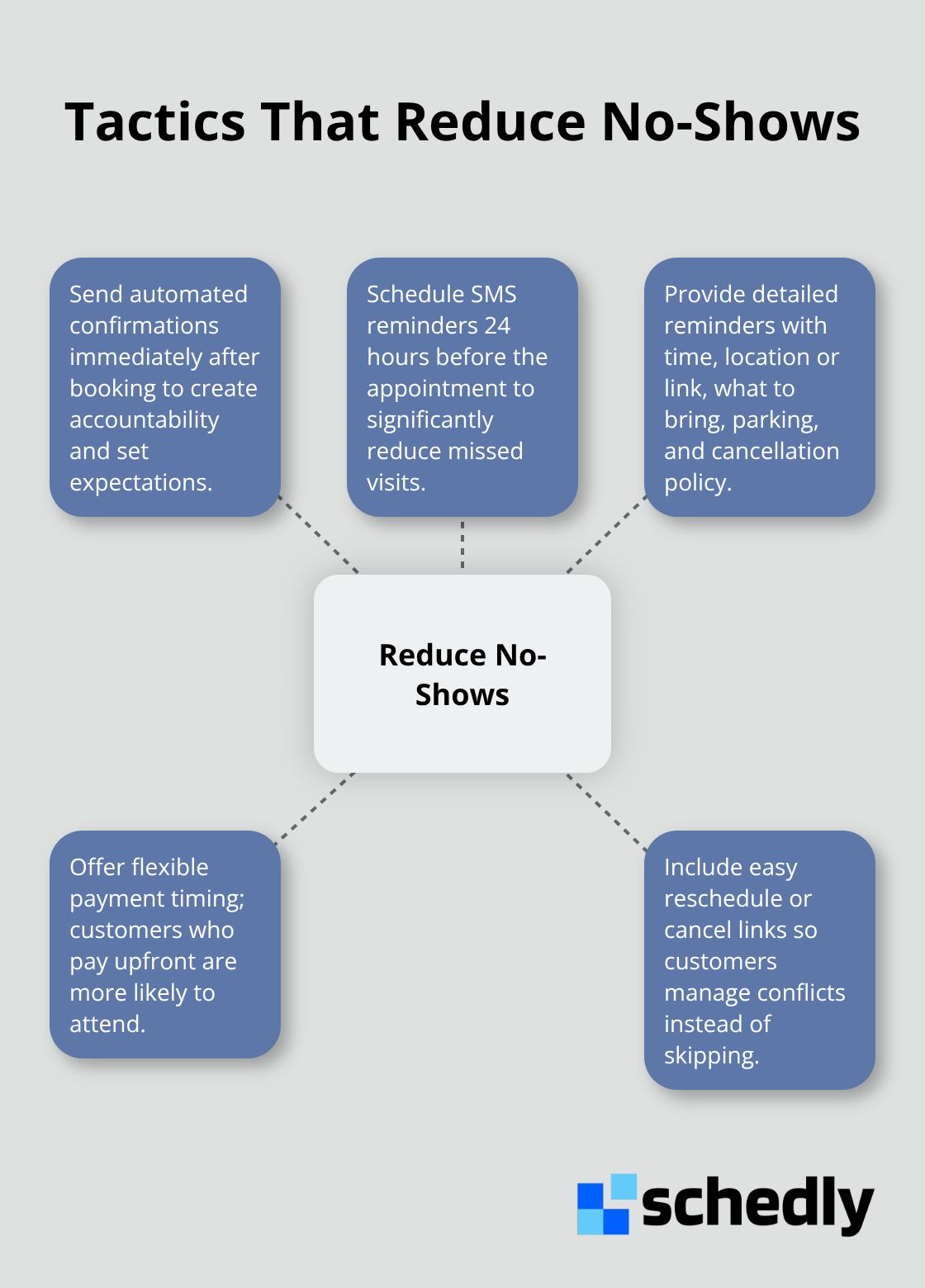
Payment security directly influences whether a visitor completes their booking or abandons the page. Display security badges from your payment processor prominently near your payment form. If you accept payments through Stripe or PayPal, show those logos because visitors recognize them and trust them. Never ask for full payment details on your booking form if your scheduling software doesn't encrypt them. Flexible payment options increase completion rates because different customers prefer different methods. Some want to pay upfront to confirm commitment, while others prefer to pay in person or after service delivery. Flexible payment timing reduces no-shows because customers who pay upfront are significantly more likely to attend their appointment. However, forcing payment before every appointment type backfires for industries like consulting or healthcare where customers expect to pay after service. Test what works for your specific business model and customer base, then move forward with strategies that address the final barrier to conversion: making sure customers actually show up.
Personalization Turns Casual Visitors Into Committed Appointments
Simplify Your Form to Five Essential Fields
Visitors abandon booking pages when they feel like a transaction number instead of a valued customer. The difference between a generic booking form and one tailored to individual needs is dramatic: personalized experiences increase appointment completion rates because they signal that you understand what each visitor needs. Ask only what matters at booking time. Name, email, phone, service selection, and preferred time slot are non-negotiable. Anything beyond these five fields damages conversion rates. Most businesses ask for insurance information, medical history, or project details before confirming the appointment. This approach assumes visitors will complete lengthy forms, but they won't. Capture essential information through a follow-up email or pre-appointment questionnaire instead. Businesses that cut their form fields from nine to five watch abandonment rates drop by 35 percent immediately.
Adapt Your Form Based on Service Selection
Make your form adapt based on what visitors select. If someone books a consultation, they don't need to provide dietary restrictions. If they book a fitness class, ask about fitness level. Dynamic forms that show only relevant questions remove friction and make visitors feel heard rather than interrogated. This approach respects visitor time and removes the obstacles that lead them to abandon the booking and contact a competitor instead.
Display Real-Time Slots That Match Visitor Preferences
Real-time scheduling that displays available slots matching visitor preferences closes more appointments than static calendars ever will. When a visitor selects their preferred time and sees confirmation instantly without email delays, they commit significantly more often. Automated confirmation messages sent immediately after booking reduce no-shows substantially because they create accountability and clarify expectations. Automated SMS reminders 24 hours before appointments significantly reduce no-show rates.
Send Detailed Reminders That Help Visitors Prepare
Your reminder messages should include specific details: the exact time, location or meeting link, what to bring, parking instructions, and cancellation policy. Generic reminders like "your appointment is tomorrow" perform far worse than detailed ones that help visitors prepare. Include a direct link allowing them to reschedule or cancel easily, because visitors who can't find the cancellation link simply don't show up and block that slot from other customers.
Automate Follow-Up to Drive Future Bookings
Follow-up automation doesn't stop at reminders. After the appointment concludes, send a thank-you message with next steps, invoice details if applicable, or booking links for follow-up services. This automation keeps your business top-of-mind and makes scheduling future appointments frictionless because visitors already know where to book. Personalization at every stage transforms how customers interact with your business and directly impacts whether they return for additional services.
Final Thoughts
The efficient booking page tips we've shared address the three biggest obstacles to appointment conversion: friction in the booking process, lack of trust, and poor follow-up. Streamlining your form to five essential fields removes the primary reason visitors abandon bookings. Displaying real-time availability, staff credentials, and customer reviews builds confidence that your business delivers results. Automating confirmations and reminders ensures customers show up prepared and ready.
Start with a single improvement that would have the biggest impact on your booking page. Audit your current setup against the strategies in this guide and identify whether streamlining your form, adding customer reviews, displaying real-time availability, or improving your mobile experience matters most. Implement that change first, measure the results, then move to the next improvement (small changes compound quickly when you focus on removing friction and building trust). Common mistakes like asking for too much information upfront, hiding your call-to-action button below the fold, or failing to optimize for mobile cost you the majority of your potential customers since over 60 percent of bookings now happen on phones.
We at Schedly built our scheduling software specifically to handle these conversion challenges. Schedly automates your entire booking workflow with branded scheduling pages, real-time availability, secure payment processing, and automated reminders that actually reduce no-shows. Our platform integrates with Google Calendar, Zoom, and Salesforce so your booking system works seamlessly with your existing tools.