
Schedly resources
How to Eliminate Schedule Conflicts That Frustrate Clients

Schedule conflicts cost businesses real money. When clients can't get appointments because of double booking prevention failures or manual errors, they get frustrated and leave.
At Schedly, we've seen how the right scheduling system stops these problems before they start. Automated tools catch conflicts instantly, sync across your entire team, and keep clients happy.
Why Schedule Conflicts Actually Happen
Double Bookings Destroy Client Trust
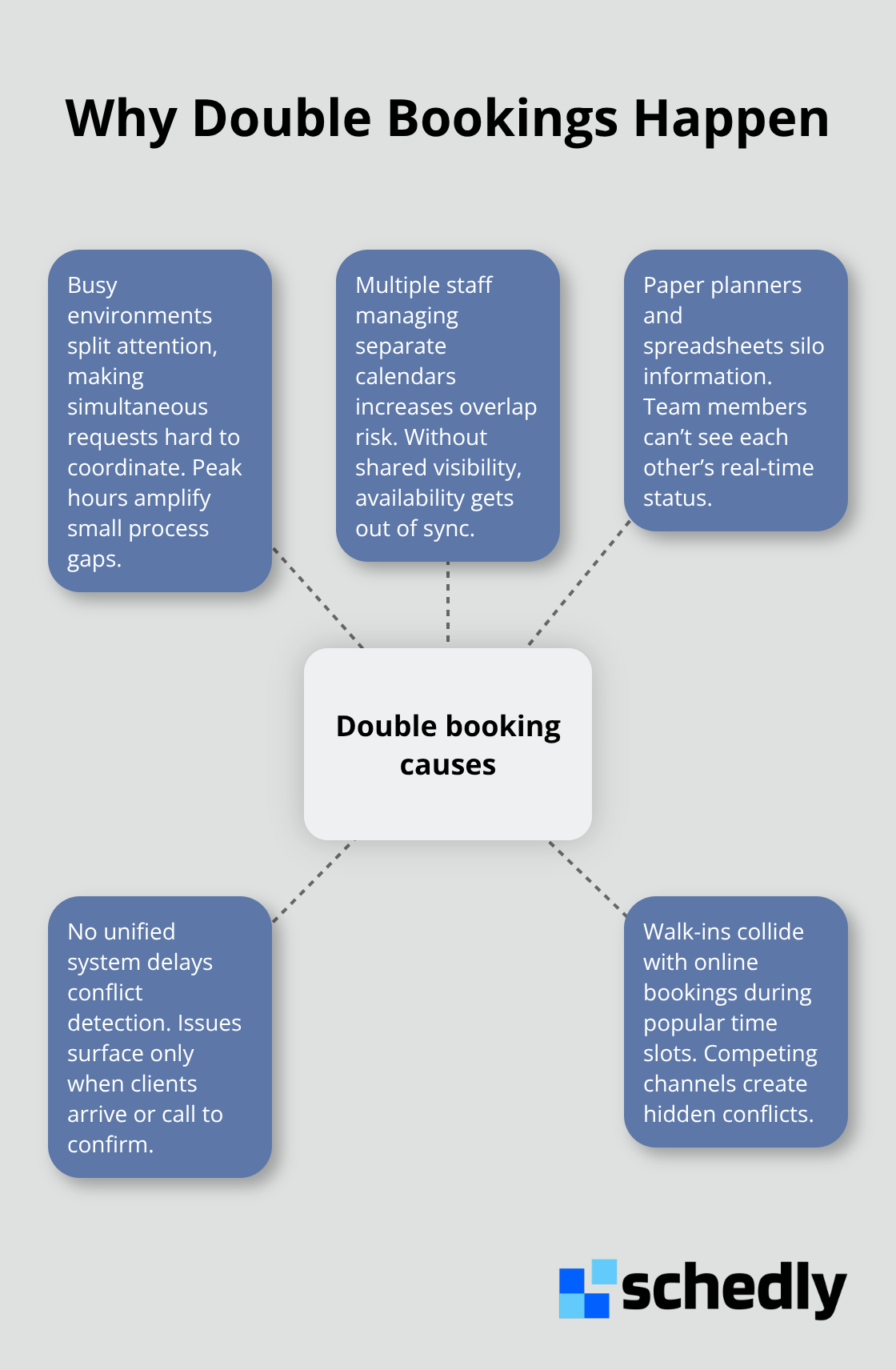
Your scheduling system is only as reliable as the weakest point in your process, and most businesses have several weak points they don't realize exist. Double bookings occur when staff members or rooms get assigned to multiple clients in the same time slot, and this happens far more often than most business owners think. The problem intensifies in busy environments like salons, medical offices, and service-based businesses where multiple staff members manage their own calendars or rely on paper planners and spreadsheets. When Sarah books a 2 PM appointment with stylist Mike through your website while Mike simultaneously accepts a walk-in client at the same time, you've just created a conflict that will frustrate both clients.
Manual Errors Cascade Across Your Team
Manual scheduling errors compound this issue because humans make mistakes-someone misreads a time zone, forgets to block off lunch hours, or doesn't account for travel time between locations. These errors cascade quickly in multi-location businesses or when teams span different time zones. A study from Statista found that workplaces often struggle with scheduling flexibility, which means teams often juggle competing demands without clear visibility into who's actually available. When your team relies on email chains, text messages, or checking multiple calendars to confirm availability, conflicts are inevitable because no single source of truth exists about what's booked and what's free.
Fragmented Systems Hide Conflicts Until It's Too Late
The real culprit behind most scheduling chaos is the absence of real-time visibility across your entire operation. If your receptionist can't see that the massage therapist is already booked solid until 5 PM, she will confidently schedule another client at 4:30 PM. If your field service team uses a different calendar system than your office staff, nobody knows when equipment or vehicles are actually available for the next appointment. This fragmentation means conflicts don't surface until clients arrive at your door or call to confirm their appointment.
Missing Buffer Time Breaks Your Entire Schedule
Buffer time between appointments is also critically overlooked-most businesses schedule back-to-back appointments with zero breathing room for transitions, prep work, or unexpected delays. When the 2 PM client runs 10 minutes late, the entire afternoon unravels. Automated scheduling software eliminates these failure points by providing instant visibility across your entire team and automatically detecting conflicts before they happen. The right system syncs seamlessly with external calendars so nobody double-books a resource, and this is exactly where we need to focus your attention next.
How Automated Scheduling Software Stops Double Bookings
Real-Time Synchronization Eliminates Booking Gaps
Modern scheduling software creates a single source of truth that your entire team accesses instantly. When one staff member books a client, that time slot disappears from every calendar simultaneously across your whole operation. This happens in real time, not hours later when someone remembers to send an email. The system blocks that 2 PM slot for stylist Mike the moment Sarah's appointment confirmation goes through on your website, so when another receptionist checks availability seconds later, 2 PM is already grayed out and unavailable. Real-time synchronization eliminates the dangerous gap between when something gets booked and when your team learns about it.
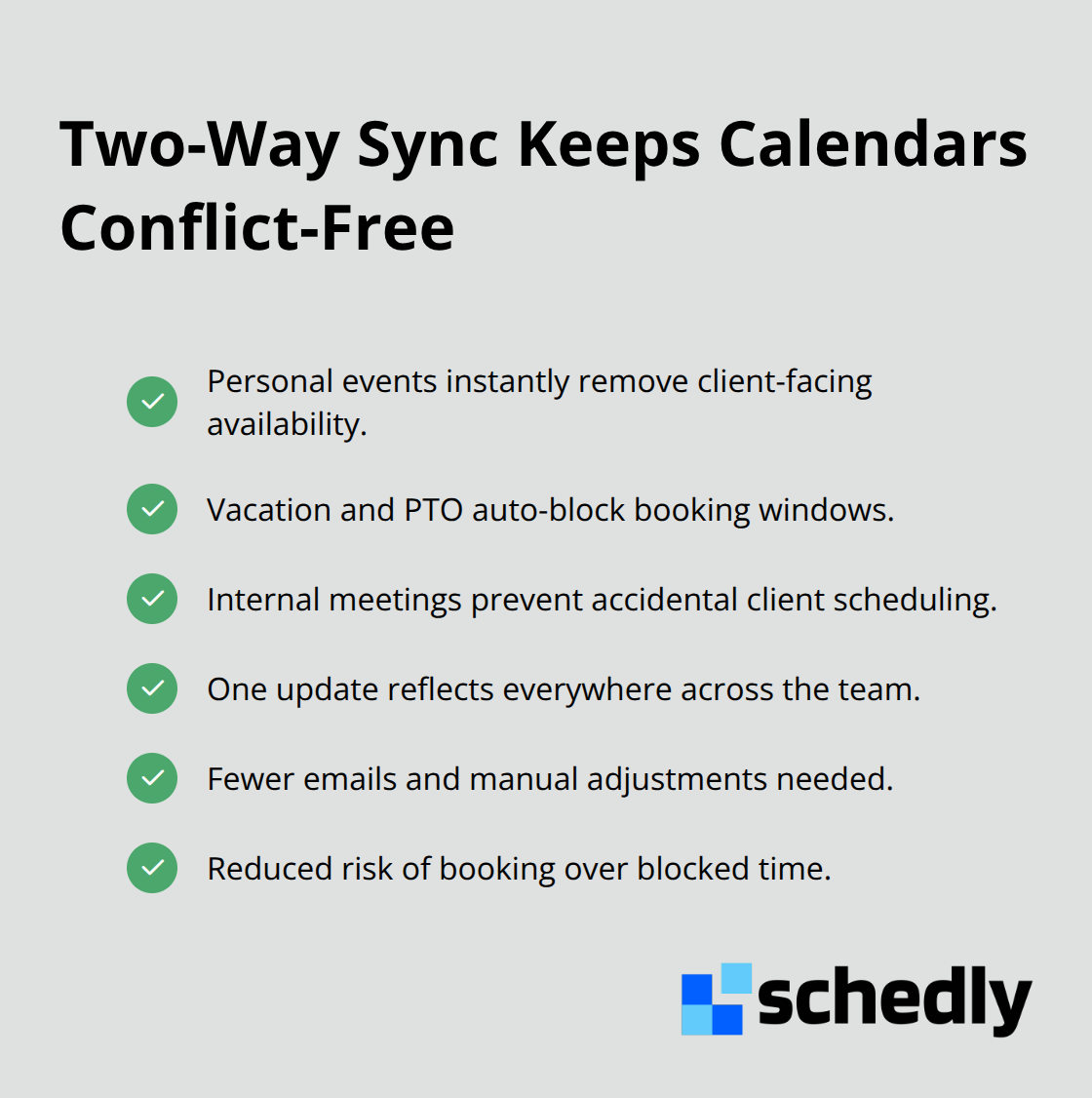
Most scheduling software integrates directly with Google Calendar and other external systems, which means personal calendars, vacation time, and meetings automatically feed into your booking system. If Mike marks himself as out of office on Tuesday in Google Calendar, the software automatically removes those hours from client-facing availability without anyone manually adjusting anything. This two-way sync prevents the classic mistake where someone books a client appointment during time that's already blocked for internal meetings or staff training.
Automatic Conflict Detection Catches Mistakes Before They Happen
Automatic conflict detection works like a safety net that catches mistakes before they damage client relationships. The software analyzes every booking request against your team's real-time availability, existing appointments, travel time between locations, and required buffer periods. If you've set a 15-minute buffer between appointments for cleaning or prep work, the system enforces that automatically and won't allow back-to-back bookings that violate it.
Some platforms also flag resource conflicts beyond just staff time, such as when you only have one massage table and two therapists both need it simultaneously. This prevents the frustration of a client arriving for their scheduled appointment only to discover the room or equipment isn't actually available.
Data-Driven Insights Transform Your Scheduling Process
The analytics dashboard in scheduling software shows you exactly where conflicts happen most frequently. This data-driven approach transforms scheduling from a daily firefighting exercise into a system you can actually optimize and improve over time. Understanding these patterns positions you to implement the best practices that keep your schedule running smoothly.
Making Your Scheduling System Work for Your Team
Set Buffer Times as Non-Negotiable Rules
The scheduling software you implement only works if your team uses it correctly. Most businesses invest in powerful automation tools, then revert to old habits because they never establish clear operational standards around how the system functions. Add padding to appointments between each booking to account for cleaning, setup, client transitions, and the inevitable delays that occur in real operations. If your business runs service appointments, this buffer absorbs the reality that clients sometimes arrive late, conversations run longer than expected, or staff needs a moment to prepare the next space. Set these buffers as hard rules in your scheduling system so the software enforces them automatically rather than relying on your team to remember.
Audit Your Booking Process With Real Data
Your booking process needs regular audits to catch patterns you might miss in daily operations. Analyze your typical appointment durations to optimize your schedule and examine where conflicts almost occurred but the system prevented them, which appointments consistently run over time, and which staff members or locations generate the most rescheduling requests. This data tells you whether your current buffer times are realistic or if you need to adjust them. If your massage therapist consistently needs 20 minutes between clients instead of 15, change that one setting across your entire booking system to prevent future conflicts before they happen.
Train Your Team on Actual System Features
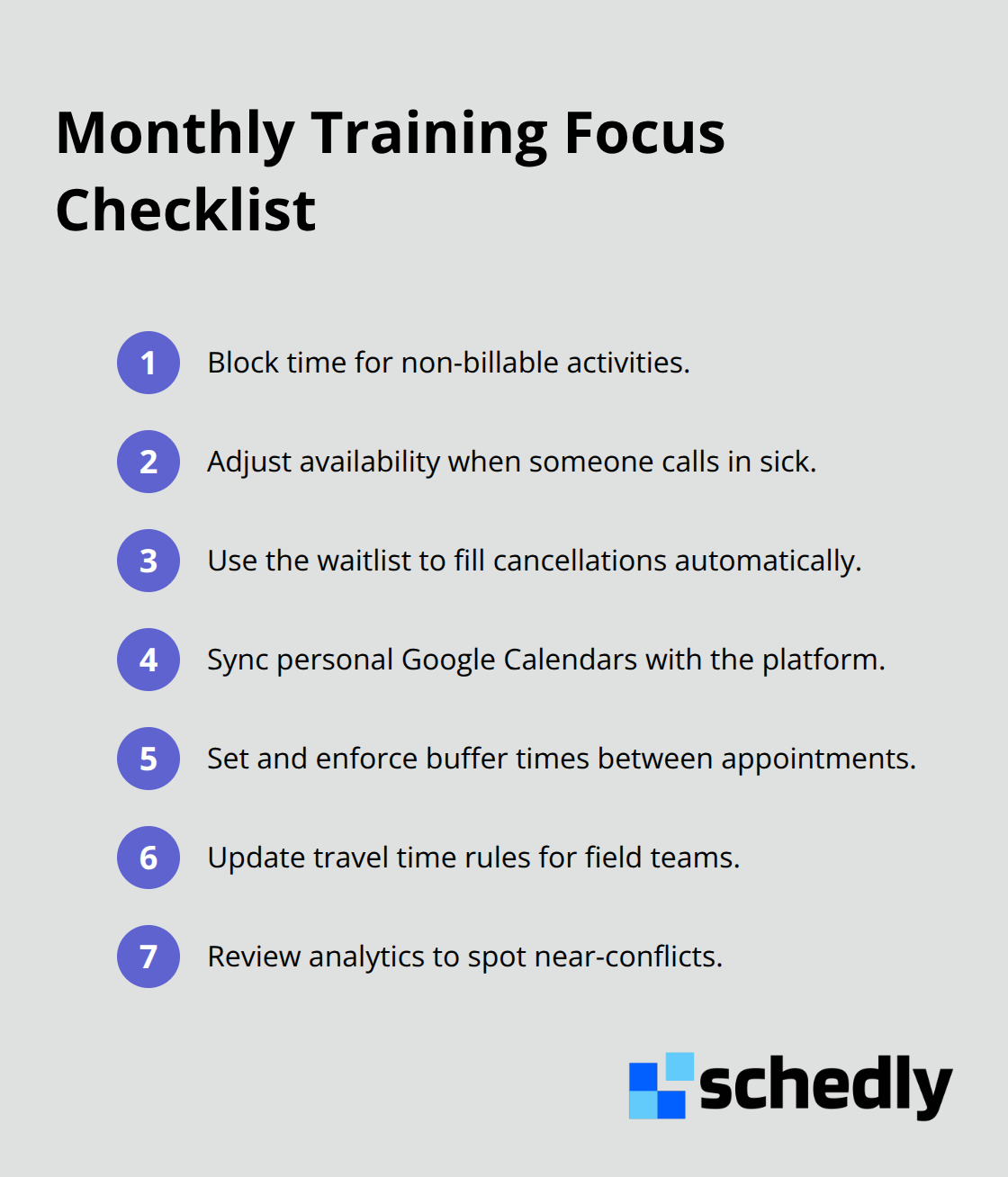
Training your team on scheduling software features separates businesses that eliminate conflicts from those that merely reduce them. Most staff members learn the bare minimum needed to do their job and never explore what else the system can do. Spend one hour monthly reviewing specific features with your team, such as how to block time for non-billable activities, how to adjust availability when someone calls in sick, or how to use the waitlist feature to fill cancellations automatically. When your receptionist understands that the software can sync with personal Google Calendars, they stop accepting client bookings during times their colleagues marked as unavailable for internal meetings. Your field service technicians who realize the system calculates travel time between locations stop overbooking their own schedules with back-to-back appointments across different areas.
Final Thoughts
Schedule conflicts damage your bottom line in ways that extend far beyond a single lost appointment. Every missed booking represents lost revenue, and every rescheduled service ties up your team's time managing chaos instead of serving customers. When clients experience conflicts repeatedly, they stop trusting your business and take their money elsewhere, which means the real cost multiplies across lost appointments, reputation damage, and staff hours spent firefighting problems that should never have happened.
Modern scheduling software eliminates this frustration by removing human error from your booking process. Automated double booking prevention means your team cannot accidentally assign the same staff member or room to two clients simultaneously, no matter how busy your operation gets. Real-time synchronization across all your calendars ensures that when someone books an appointment, every team member instantly sees that time slot is taken, and integration with Google Calendar means vacation days and internal meetings automatically block client-facing availability without manual intervention.
Evaluate your current scheduling pain points and identify which conflicts happen most frequently, then choose a platform like Schedly that offers 24/7 online booking, Google Calendar integration, and an analytics dashboard to track your progress. Implement buffer times between appointments, train your team on the system's features, and audit your booking process monthly using real data to optimize continuously. Within weeks, you'll notice fewer rescheduling requests, happier clients, and a team that actually enjoys managing the schedule instead of dreading it.