
Schedly resources
Maximize Efficiency With Salesforce Scheduling Integration

Salesforce scheduling integration connects your booking system directly to your CRM, eliminating the back-and-forth between tools that wastes your team's time. At Schedly, we've seen businesses cut administrative work by hours each week simply by syncing these systems.
When your scheduling data flows automatically into Salesforce, your team gets real-time visibility into customer interactions and resource availability. This means better decisions, faster responses, and fewer scheduling conflicts.
Why Salesforce Scheduling Integration Matters for Your Bottom Line
Eliminate Redundant Data Entry and Reclaim Productivity
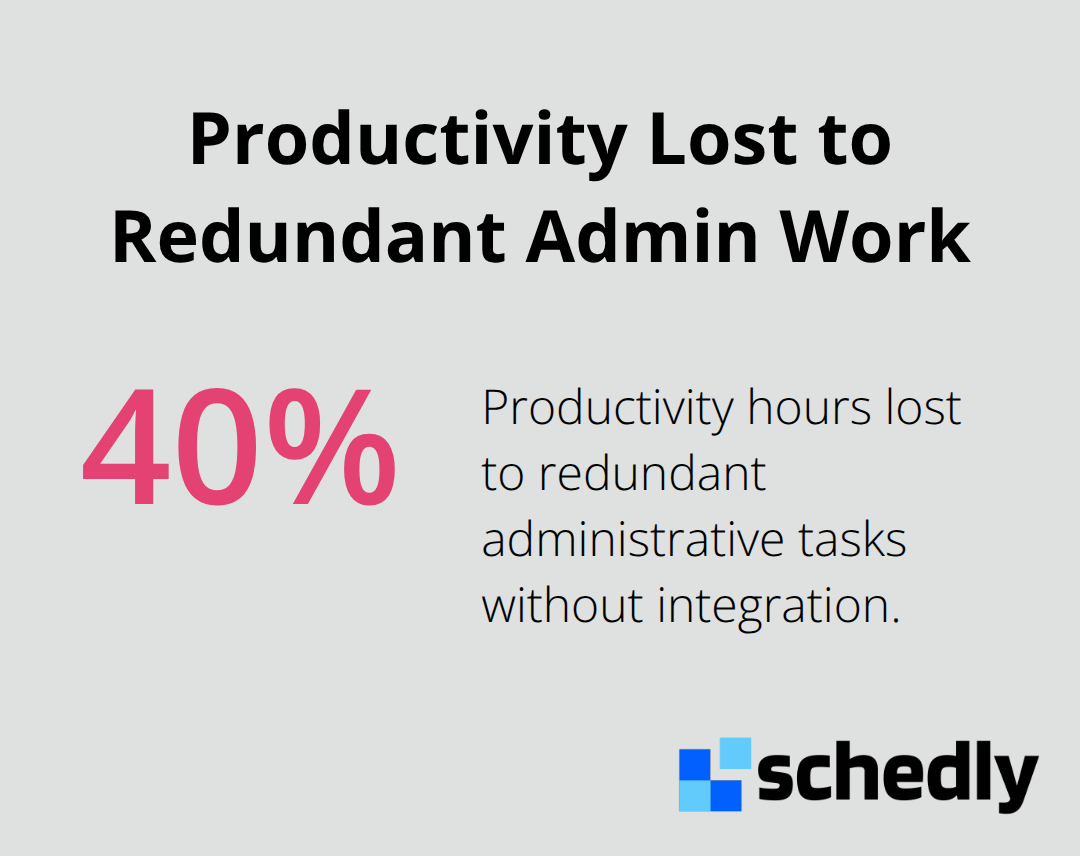
Manual data entry between your scheduling tool and Salesforce costs money. When a customer books an appointment, your team shouldn't need to recreate that information in your CRM. Studies on customer service automation show that businesses lose approximately 40% of productivity hours to redundant administrative tasks. Salesforce scheduling integration eliminates this waste entirely.
Prevent Double-Bookings and Scheduling Conflicts
Resource allocation becomes strategic instead of chaotic when your entire team operates from one source of truth. Without integration, your field team books appointments in one system, your office staff manages availability in another, and your CRM sits out of sync. The result is double-bookings, missed appointments, and customers reaching out to confirm meetings that should have been locked in. Salesforce scheduling integration gives you real-time visibility into who is available, which customer needs which resource, and whether capacity exists to take on the work. You see conflicts the moment they form. A team managing multiple locations or service types gains the ability to route work to the right person with the right expertise at the right time. This isn't about having better data. It's about making faster decisions that directly impact revenue.
Compress Your Sales Cycle With Self-Service Booking
When customers self-book through a scheduling portal connected to Salesforce, your sales cycle compresses immediately. The moment someone selects a time slot, they become a contact with a confirmed appointment in your CRM. No follow-up email needed. No back-and-forth to secure commitment. Your team starts preparing for that meeting while the customer's interest is still hot. Automated reminders reduce no-show rates significantly. A customer who confirms and attends an appointment is exponentially more likely to convert than one who books but forgets. This efficiency in your booking process sets the stage for the operational capabilities that Salesforce scheduling integration provides.
What Salesforce Scheduling Integration Actually Does
Automatic Data Synchronization Between Systems
Salesforce scheduling integration connects your scheduling system and CRM so they communicate constantly without manual intervention. When a customer books an appointment through your portal, that data flows automatically into Salesforce, creating or updating contact records, populating relevant fields, and attaching the appointment to the correct account. Your team never manually recreates booking information in the CRM. This automatic synchronization means your sales pipeline reflects reality in real time. A prospect who books a consultation appears in your Salesforce dashboard with that appointment linked to their record, their interaction history visible, and their contact details complete. Your sales team sees exactly where each prospect stands in the buying journey without checking a separate scheduling tool. When field teams update their availability or complete appointments, those changes sync back to Salesforce instantly, keeping resource allocation current across your entire organization.
Custom Workflows That Trigger Intelligent Actions
Custom workflows and automation rules transform scheduling from a reactive process into a strategic one. You set rules that trigger specific actions based on booking behavior. A customer who books a high-value service type automatically receives assignment to your most experienced resource. An appointment scheduled within 24 hours of contact initiates an expedited preparation workflow. A cancellation within two hours of the scheduled time alerts your sales manager for follow-up.
Data-Driven Insights That Improve Conversion
Advanced reporting on scheduling data reveals patterns your team cannot see from daily operations. You track which appointment types convert highest, which time slots fill fastest, which team members have the strongest completion rates, and whether specific customer segments prefer certain booking windows. Salesforce's analytics tools let you build dashboards showing appointment volume trends, no-show rates by demographic, utilization by resource, and revenue impact by booking source. A real estate team might discover that prospects who book in advance have higher conversion rates than same-day bookings, allowing them to adjust their marketing messaging to encourage advance scheduling. A consulting firm might find that appointments scheduled with their senior consultant instead of junior staff convert more frequently, justifying the investment in scheduling rules that match high-value prospects to experienced resources. This data-driven approach replaces guesswork with measurable insights that directly improve your bottom line.
Understanding what your scheduling integration actually accomplishes sets the foundation for implementing it effectively. The next section covers the practical steps your team needs to take to make this integration work in your specific business environment.
How to Roll Out Salesforce Scheduling Integration Without Disrupting Your Team
Audit Your Current Processes First
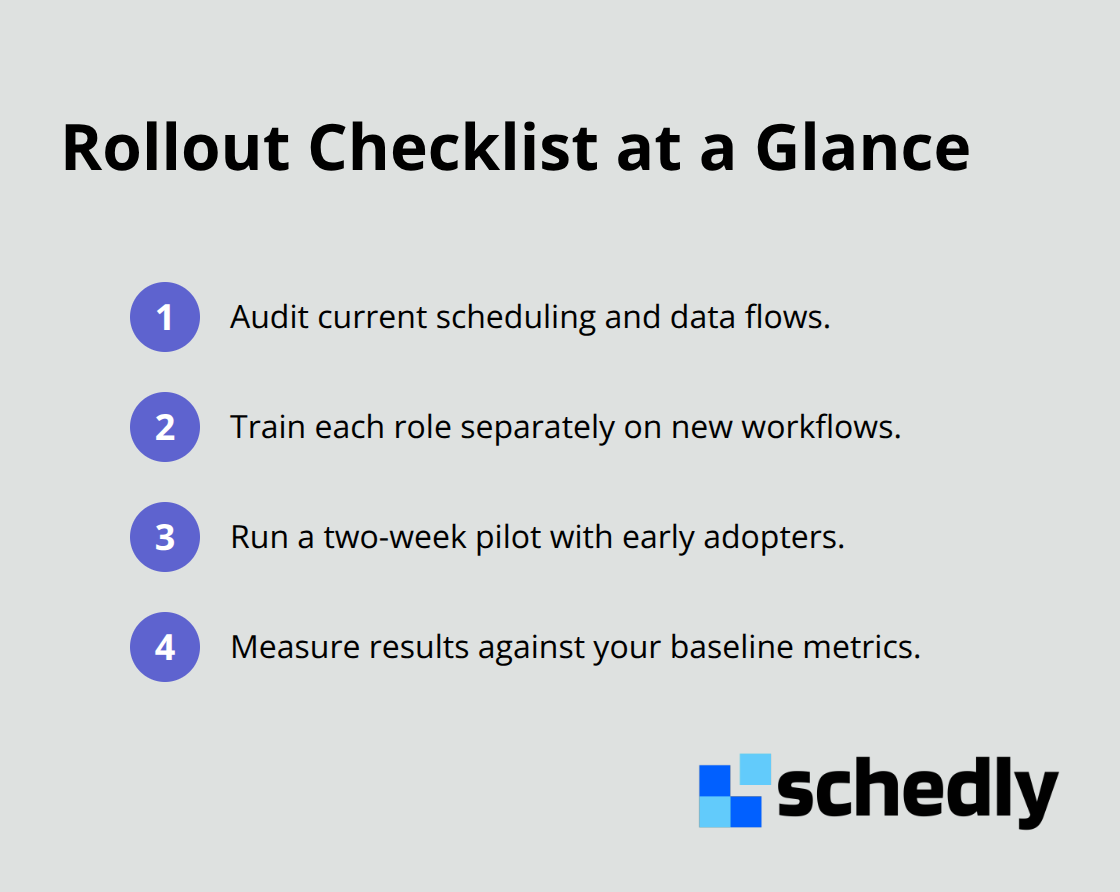
Your current processes exist for a reason. Map exactly how appointments move through your organization right now before you connect your scheduling system to Salesforce. Document which team members handle bookings, where data currently lives, which systems talk to each other, and where information gets lost or duplicated. This audit takes a few hours but prevents weeks of confusion after integration.
Identify the specific pain points that integration will solve for your team. If your sales team spends time daily recreating booking data in Salesforce, quantify that waste. If your field team double-books resources, calculate the cost of rescheduling and customer frustration. These numbers become your baseline for measuring success after implementation.
Talk to the people doing the actual work, not just management. Your scheduling coordinator knows where the system breaks. Your field technicians know which appointments create resource conflicts. Your sales team knows which data gaps hurt their ability to close deals. Their input shapes how you configure automation rules and custom workflows so the integration actually solves real problems instead of creating new ones.
Train Different Roles Separately
Integration only works if your team uses it consistently, which means training must happen before you flip the switch. Conduct separate training for different roles because a field technician needs different knowledge than a sales manager.
Your field team needs to understand how availability syncs between systems and why they must update their calendar in one place instead of two. Your sales team needs to see how booking data appears in customer records and how to use that information to accelerate deals. Your administrative staff needs hands-on practice with the new workflows and exception handling.
Run a Pilot Program With Early Adopters
Run a pilot with your most adaptable team members for two weeks before rolling out organization-wide. This group surfaces issues your training missed and provides peer testimonials that overcome resistance when skeptical employees see the integration working in practice.
Assign someone as your Salesforce scheduling champion who answers questions and gathers feedback daily during the first month. This person becomes your early warning system for problems and your advocate for the changes your team needs.
Measure Results Against Your Baseline
After two weeks, measure what changed. Track appointment volume, no-show rates, time spent on administrative tasks, and customer response times. Compare these metrics against your baseline to prove the integration is working.
Share concrete wins with your team to build momentum and justify the investment your organization made in integration.
Conclusion
Salesforce scheduling integration transforms how your business operates by eliminating administrative friction and creating a single source of truth for customer interactions and resource availability. The efficiency gains compound over time as your team stops duplicating work, prevents scheduling conflicts, and makes faster decisions based on real data. Your sales cycle compresses, your team reclaims hours each week, and your customers experience faster response times and fewer booking errors.
When your scheduling system connects directly to Salesforce, you build a foundation for scaling your business without proportionally scaling your administrative overhead. Your team handles more customers, more complex workflows, and more locations while maintaining the same staffing levels. The data you collect through integrated scheduling becomes your competitive advantage, revealing which processes drive revenue and which ones waste resources.
Start with a pilot program using the approach outlined in this guide-map your current processes, train your team on the new workflows, and measure results against your baseline. The investment in integration pays for itself within weeks through recovered administrative time and improved conversion rates. Visit Schedly to explore how scheduling integration can work for your specific business and start your free trial today.