
Schedly resources
Scheduling Analytics Insights That Shape Your Scheduling Strategy

Most businesses waste thousands of dollars every year on scheduling inefficiencies they never see coming. Without scheduling analytics insights, you're flying blind-guessing at staffing levels, missing peak demand windows, and watching revenue slip away.
At Schedly, we've seen firsthand how data transforms scheduling from a daily headache into a competitive advantage. This guide shows you exactly which metrics matter and how to act on them.
Why Scheduling Analytics Matter for Your Business
Organizations that excel at people analytics outperform their competitors by more than three times over, according to research in the field. This isn't coincidence. When you stop guessing about staffing levels and start measuring what actually happens in your schedule, the numbers speak for themselves. Businesses using data-driven scheduling reduce labor costs significantly while simultaneously boosting productivity. The difference between a company that measures scheduling performance and one that doesn't often amounts to thousands of dollars in wasted labor hours each month. You're not collecting data for its own sake-you're identifying where money leaks out of your operation and plugging those holes with precision.
What Your Data Actually Reveals
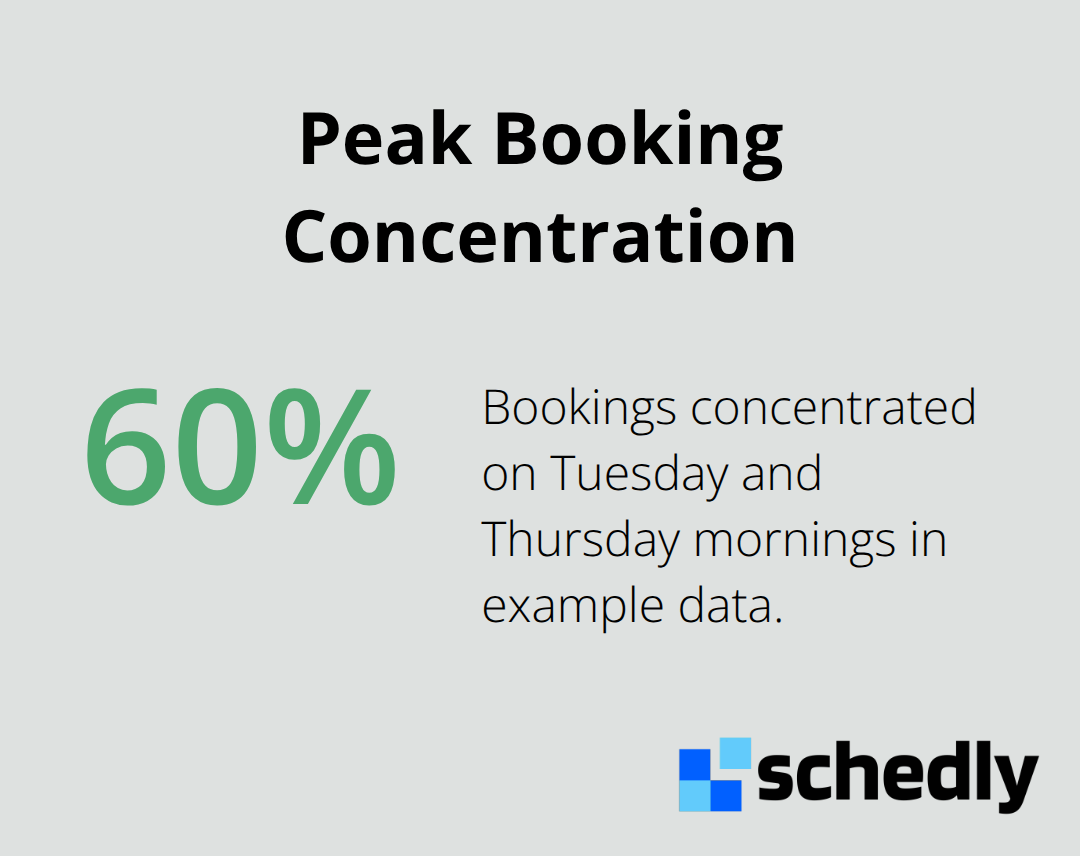
Peak hours matter far more than most businesses realize. Most organizations have no idea when their busiest times actually occur or whether they staff appropriately during those windows. Advanced scheduling analytics dashboards show you exactly when demand spikes, how many appointments get booked at specific times, and whether your team has capacity to handle the volume. This isn't theoretical-it's concrete data about your business. When you see that 60% of your bookings happen on Tuesday and Thursday mornings, you can stop spreading your staff evenly across the week and start matching capacity to reality.
Customer cancellation and no-show rates reveal another critical problem most managers ignore. No-show rates vary between 3% and 80%, and missing appointments increase costs, reduce efficiency and productivity. Tracking these patterns over time shows whether the problem concentrates among certain customers, specific time slots, or particular staff members.
Real-Time Adjustments That Cut Costs
Real-time adjustments driven by analytics reduce costs and improve service quality simultaneously. When your scheduling system provides visibility into employee utilization rates, you see exactly who's underbooked and who's overwhelmed. This means you can reallocate work immediately instead of discovering problems in your monthly reports. Data-driven decision making removes the personality conflicts and assumptions that plague scheduling conversations. Instead of arguing about whether you need more staff, you have concrete evidence showing utilization patterns, peak demand periods, and forecast accuracy (all of which transform scheduling from subjective headache into objective process).
This foundation of measurable insights positions you to tackle the specific metrics that matter most for your operation.
Core Metrics to Monitor in Your Scheduling System
Tracking metrics without a clear purpose wastes time and creates noise. The metrics that matter are those directly tied to revenue, efficiency, and customer satisfaction.
Booking Rates and Conversion Patterns
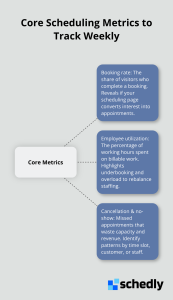
Booking rates and conversion patterns reveal whether your scheduling system actually converts interest into appointments. A booking rate measures the percentage of people who view your scheduling page and complete a booking. Conversion patterns show when bookings happen most often, allowing you to staff strategically around actual demand rather than assumptions.
Employee Utilization and Availability
Employee utilization rates tell you whether your team members spend their time productively or waste hours waiting for appointments. Employee utilization is the percentage of an employee's working hours spent on billable tasks versus non-billable tasks. This metric directly impacts your labor costs and helps you spot problems immediately instead of discovering them in monthly reviews.
Customer Cancellation and No-Show Rates
Customer cancellation and no-show rates destroy operational efficiency and demand obsessive attention. Every missed appointment represents lost revenue and wasted staff capacity. Track where cancellations concentrate and whether certain customers cancel repeatedly or specific time slots experience higher no-show rates.
Implement reminders before appointments to reduce no-shows. Require payment at booking through Stripe or PayPal to increase commitment. Analyze whether customers who book further in advance no-show more frequently than those who book same-day. This granular view shows whether the problem stems from customer reliability, scheduling timing, or service quality.
Monitor these three metric categories weekly, not monthly. Weekly reviews catch problems fast enough to adjust staffing, refine your booking process, or modify customer communication before significant revenue leaks away. Once you understand what these metrics reveal about your operation, the next step is translating that knowledge into concrete scheduling improvements.
Turning Analytics Into Action
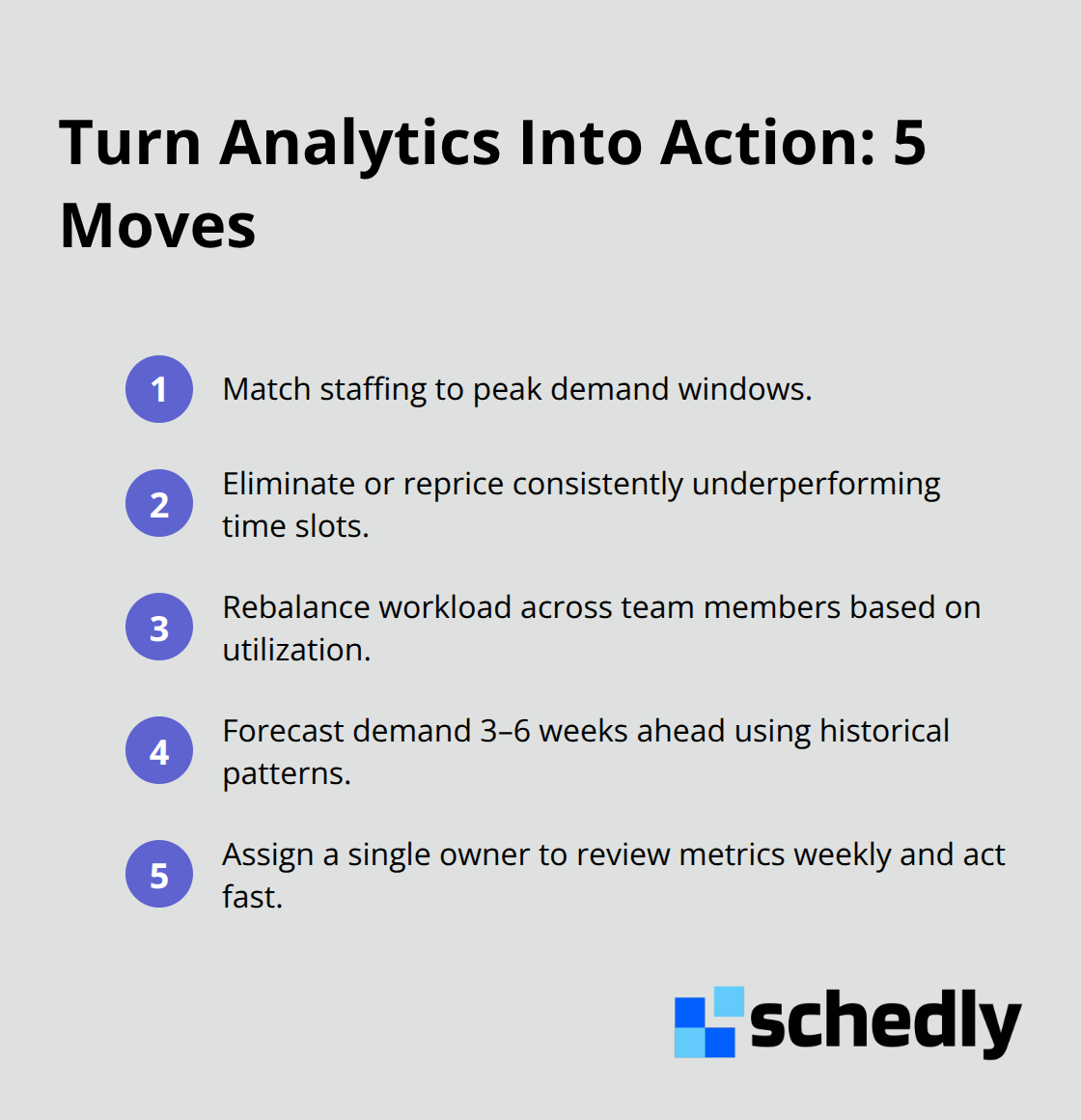
The gap between collecting data and acting on it determines whether analytics actually improve your operation. Many businesses gather scheduling metrics religiously but fail to translate those numbers into concrete changes. This is where most analytics initiatives stall. You need a systematic approach that connects specific metrics to specific actions, then measures whether those actions worked.
Match Staffing to Peak Demand
Start with your peak booking times and examine them with ruthless honesty. If your data shows 70% of appointments cluster between 9am and 11am on weekdays, your current staffing model is almost certainly wrong. Most businesses spread employees evenly across eight-hour shifts regardless of actual demand patterns. Instead, adjust your schedule to match reality. Schedule more staff during those peak windows and fewer during slow periods. Demand-driven scheduling significantly enhances labor efficiency by aligning workforce allocation with actual demand patterns.
Eliminate or Reprice Underperforming Slots
The second critical move is identifying which time slots consistently underperform. If Tuesday afternoons show 40% lower booking rates than Tuesday mornings, stop pretending that slot will magically fill. Either eliminate it from your scheduling page, price it differently to attract bookings, or assign it to lower-priority tasks. Your scheduling system should reflect demand patterns, not theoretical availability. Most businesses waste hundreds of hours annually on slots nobody actually books.
Rebalance Work Across Your Team
Employee utilization data demands immediate attention when it reveals imbalances. If one team member maintains 85% utilization while another sits at 45%, you have a resource allocation problem that compounds monthly. Fully integrated scheduling with collaboration workflows boosts productivity, which means better distribution of work across your team matters enormously. Use your analytics dashboard to spot these gaps weekly and rebalance assignments before resentment builds or underutilized staff become disengaged.
Plan Demand Three to Six Weeks Ahead
Forecasting demand three to six weeks ahead prevents the constant scramble that plagues most scheduling operations. Look at historical patterns from the same period last year, account for seasonal variations, and adjust your staffing plan accordingly. If you know summer typically sees 30% higher demand than winter, staff accordingly instead of discovering the problem in real-time. This forward-looking approach eliminates the reactive firefighting that makes scheduling exhausting.
Assign Ownership of Your Analytics Process
Assign one person on your team to review analytics weekly and recommend adjustments. This person becomes your scheduling strategist, not just an administrator. Give them authority to modify schedules based on data without endless approval loops. The faster you act on insights, the faster you capture the efficiency gains those insights reveal.
Final Thoughts
Scheduling analytics insights transform how businesses operate, moving them from reactive firefighting to strategic planning. The metrics you track weekly-booking rates, employee utilization, and no-show patterns-directly determine your profitability and team satisfaction. Organizations that measure scheduling performance consistently outperform competitors who rely on guesswork, and the financial impact compounds monthly as inefficiencies disappear.
Modern scheduling platforms like Schedly provide advanced analytics dashboards that track performance metrics automatically, eliminating manual data collection. You gain visibility into peak hours, employee utilization, and customer patterns without building custom reports. Schedly's platform also handles the operational side through automated booking, payment processing via Stripe and PayPal, and workflow automation so your team focuses on acting on insights rather than managing logistics.
Data-driven scheduling improves employee satisfaction by eliminating the chaos of reactive scheduling, strengthens customer experience through better availability matching actual demand, and reduces turnover by showing you exactly where workload imbalances create burnout. Start measuring this week.