
Schedly resources
Time Saving Scheduling Tactics That Actually Work
Scheduling takes up hours every week for most business owners. Between manual bookings, no-shows, and juggling multiple calendars, the administrative burden is real.
At Schedly, we've seen firsthand how the right time-saving scheduling tactics transform operations. This guide shows you exactly which automations deliver results and where to start.
Automate Your Booking Process
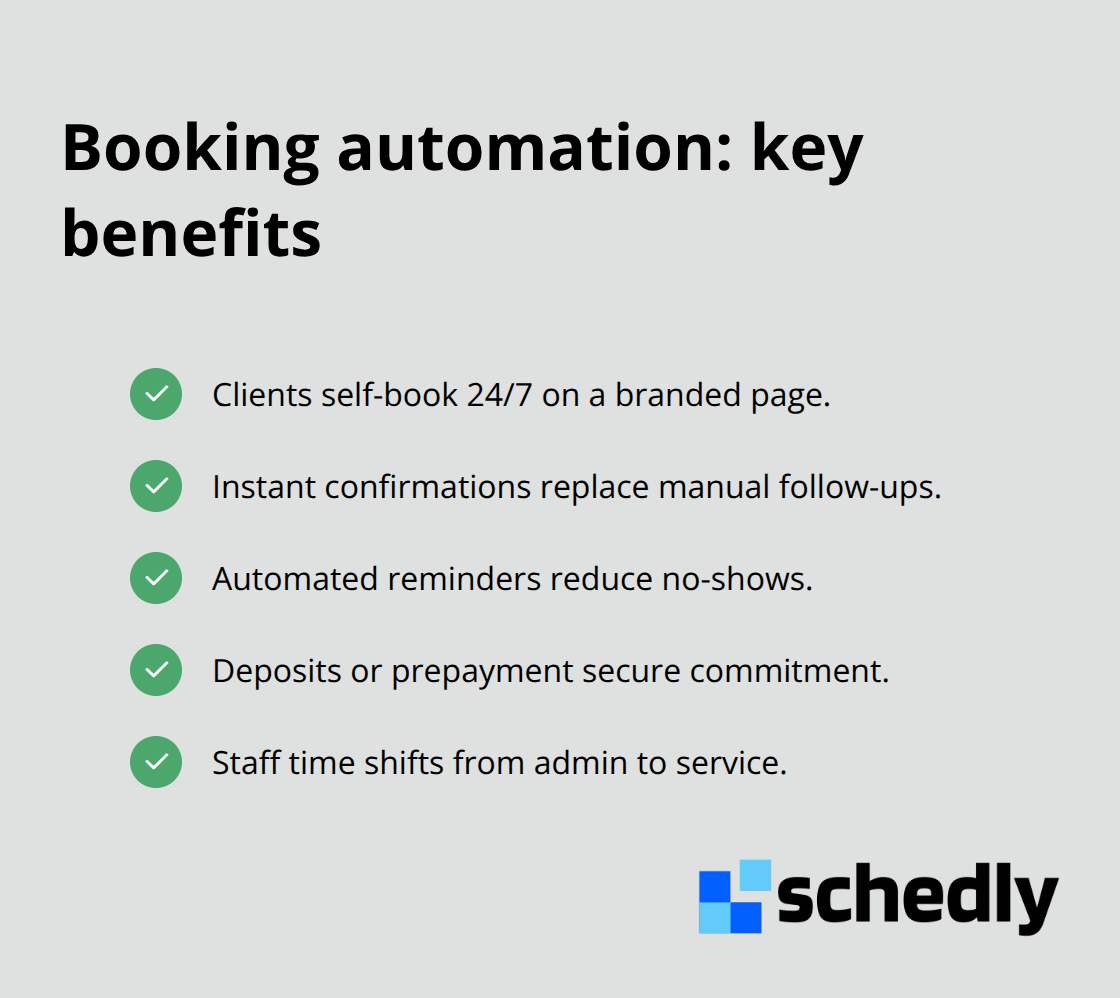
Manual booking management wastes enormous amounts of time. When clients call or email to schedule, someone has to check availability, type the appointment into a calendar, send a confirmation, and follow up if they don't show. This cycle repeats hundreds of times per month across most service businesses. The moment you automate this process, you recover hours you didn't know were lost. A scheduling platform handles the entire booking workflow automatically, eliminating back-and-forth emails and phone tag. Clients book directly on your branded scheduling page, available 24/7, and the system instantly confirms their appointment and sends reminders. This shift alone cuts administrative work dramatically. One healthcare practice found that moving to automated booking reduced scheduling staff time by 40%, freeing them to focus on patient care instead of calendar management.
Stop Losing Revenue to No-Shows
No-shows represent pure lost revenue. A study by the Harvard Business Review found that missed appointments cost service businesses an average of 23% of potential revenue annually. Automated reminders cut no-shows significantly. Most scheduling platforms send SMS and email reminders at intervals you set, typically 24 hours and 2 hours before the appointment. This simple tactic alone reduces no-shows by 30–50% across most industries. A salon chain that implemented automated reminders saw their no-show rate drop from 18% to 7% within the first month. The financial impact was immediate: those recovered appointments translated directly to the bottom line. You can also set automatic cancellation policies so clients who miss appointments without notice face consequences, further protecting your schedule. The key is consistency, not aggression, in your reminder strategy.
Collect Payment Before the Appointment
Collecting payment during the booking process eliminates invoicing delays and chasing unpaid bills. Most modern scheduling platforms integrate with Stripe and PayPal, allowing you to process payments immediately when clients book. This approach has multiple benefits: you confirm financial commitment before the appointment, reduce payment-related follow-up work, and improve cash flow. You can also set deposit requirements for certain services, holding client commitment while reducing the risk of cancellations. Some industries, like fitness studios, use this tactic to collect membership fees automatically. The result is less administrative overhead and more predictable revenue timing.
These automation features work together to transform your booking operation. Once you've eliminated manual scheduling tasks and recovered lost revenue from no-shows, the next step is to apply the same automation mindset to your team's schedule itself.
Smart Employee Scheduling
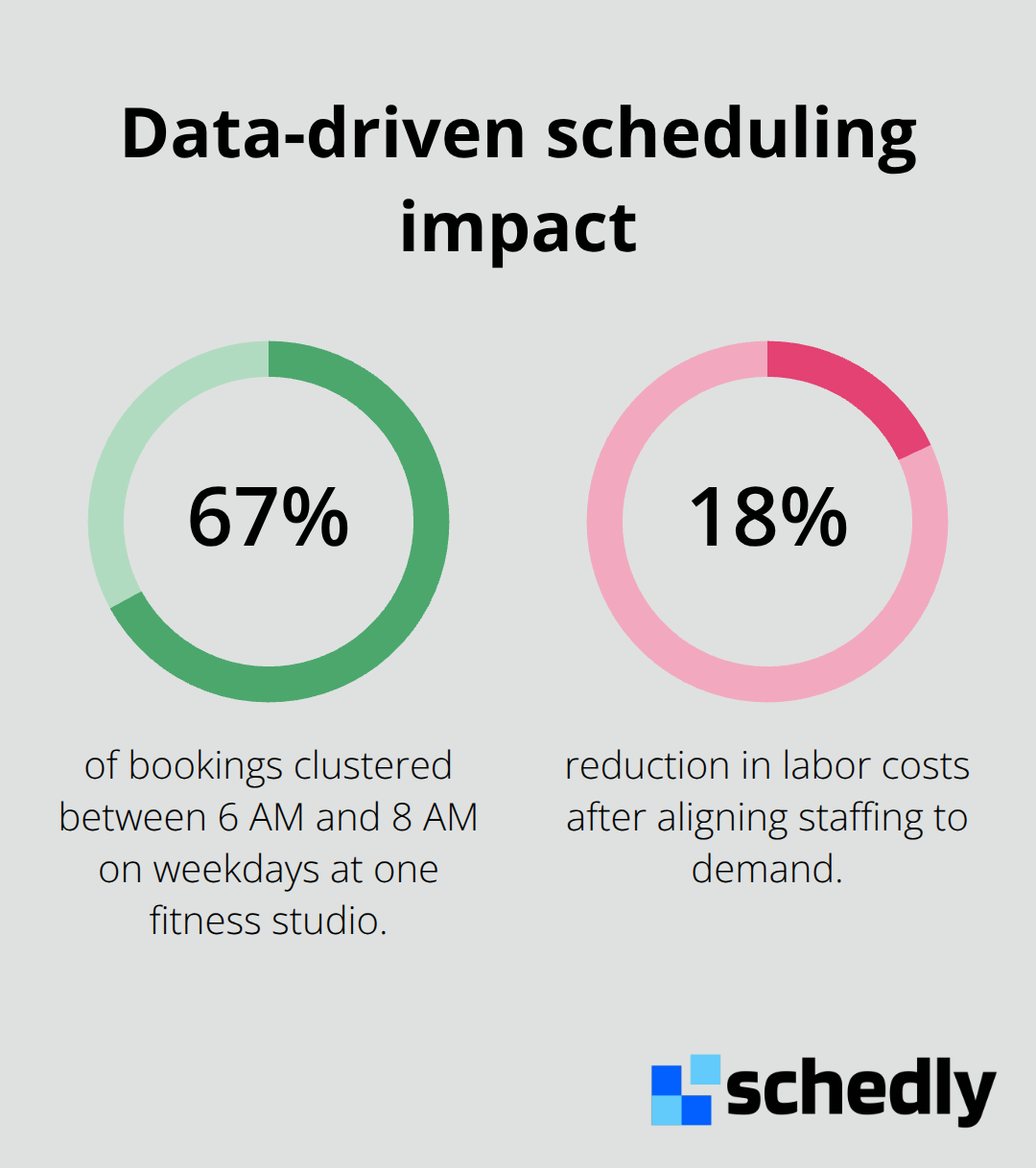
Your team's schedule directly impacts your bottom line. When shifts don't align with customer demand, you either overpay for slow periods or operate understaffed during rushes. Businesses waste thousands monthly on misaligned staffing. The solution isn't guesswork-data guides scheduling decisions. Most scheduling platforms track booking patterns automatically, showing exactly when customers arrive and which services drive the most demand. A fitness studio using data-driven scheduling discovered that 67% of their bookings clustered between 6 AM and 8 AM on weekdays, yet they'd staffed equally across all hours. After realigning their schedule to match this pattern, they reduced labor costs by 18% while simultaneously improving member experience because peak hours had adequate trainers. Your historical booking data reveals these patterns instantly.
Use Your Data to Find Peak Hours
Look at the past three months of appointments in your scheduling software and identify your actual peak hours-not what you think they are. Then shift your best staff to those windows. This single change often pays for your scheduling platform in the first month through labor savings alone. Most scheduling platforms show projected versus actual bookings so you can spot trends before they become problems. When you're managing multiple locations, this visibility becomes even more critical because demand patterns often differ by location.
Build Flexibility Into Your Shift Patterns
Fixed shift patterns fail because customer demand isn't fixed. Retail stores see weekend surges, dental offices experience Monday rushes, and service businesses face seasonal swings. Building flexibility into your schedule requires tracking what actually happens, not assuming patterns stay constant. Many managers create shift patterns once and never adjust them, even as business changes. Instead, review your booking data weekly and adjust upcoming shifts monthly. If you notice Wednesdays consistently book lighter than Thursdays, don't schedule the same staff count both days. Some industries use split shifts or on-call scheduling to handle unpredictable demand without committing to full-time hours for every position. A veterinary clinic reduced their scheduling frustration by creating three shift templates-standard, busy, and slow-then applying the right template based on the upcoming week's bookings. They adjusted staffing in real time rather than fighting against a rigid schedule.
Manage Multiple Locations From One View
Managing multiple locations creates scheduling chaos if each operates independently. One manager approves time off without knowing another location is already short-staffed that day. A client books with location A not realizing location B has availability at a better time. These disconnects waste hours in coordination and frustrate both customers and staff. Consolidating your schedule into a centralized scheduling dashboard eliminates this friction. You see all locations simultaneously, spot conflicts instantly, and shift resources where they're actually needed. A real estate brokerage with five offices used separate spreadsheets until they moved to centralized scheduling. The office manager spent roughly eight hours weekly reconciling conflicts and reassigning agents. Moving to one platform cut that administrative work to 30 minutes weekly. The secondary benefit was immediate: agents could see availability across all offices, so clients got faster appointment times and the business captured more transactions. When your team can view the complete picture, scheduling decisions improve and communication overhead drops significantly.
With your team's schedule now aligned to actual demand and visible across all locations, the next step is connecting your scheduling system to the other tools your business already uses.
Integrate Tools to Streamline Your Workflow
Your scheduling platform only delivers maximum value when it connects seamlessly to the tools your business already uses daily. Disconnected systems create friction that eats hours every week. When your scheduling platform doesn't talk to your calendar, you risk double-bookings that damage client trust and waste time rescheduling. When video conferencing doesn't integrate, staff spend minutes hunting for meeting links or manually copying details into emails. When customer data lives in separate systems, your team answers the same questions repeatedly instead of pulling up complete client histories instantly.
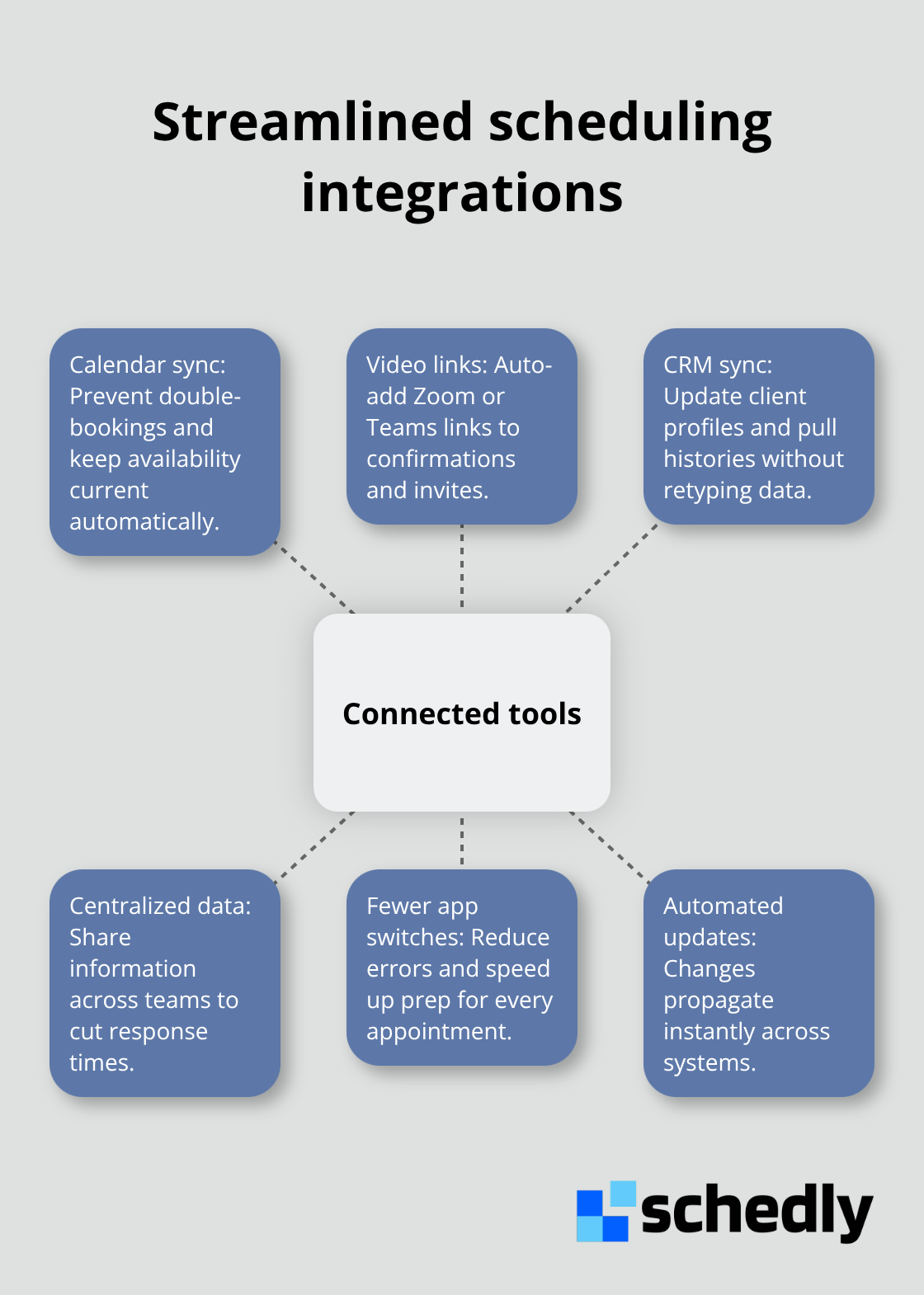
The solution isn't adding more tools-it's connecting the ones you have. Most modern scheduling apps integrate with Google Calendar, Outlook, and Zoom, which means your calendar stays current automatically and virtual appointments include meeting links without manual setup. If your business uses Salesforce or another CRM, syncing customer data between your scheduling system and CRM eliminates duplicate data entry and keeps client information current everywhere it matters. A consulting firm reduced their appointment preparation time from 15 minutes to 3 minutes per client by syncing their scheduling platform with Salesforce, because consultants could instantly see the client's entire history, previous projects, and communication preferences without switching applications.
Prevent Double-Bookings with Calendar Sync
A scheduling platform that integrates with your calendar prevents staff from booking over existing meetings. This sounds obvious but happens constantly in fragmented systems. When your scheduling tool connects to Google Calendar or Outlook, every appointment automatically appears in your personal calendar, and your calendar blocks automatically prevent new bookings during those times. You eliminate the manual checking that wastes time and creates conflicts.
Deliver Meeting Links Automatically
Integration with Zoom or Teams means clients receive meeting links automatically in their confirmation emails and calendar invitations. This eliminates the back-and-forth of staff hunting for links and clients waiting for access details. Your team no longer needs to copy and paste meeting information into separate emails or worry about sending outdated links.
Keep Customer Data Synchronized
Integration with your CRM means when a client books an appointment, their profile updates automatically with that booking information. When you close a deal in your CRM, you can immediately schedule the next step without leaving the platform. These connections prevent your team from answering the same questions repeatedly and ensure client information stays current across all systems.
Eliminate Context Switching
Each application switch costs focus and introduces opportunity for mistakes. Your team members shouldn't need to open three applications to prepare for a single appointment. Integrated systems recover hours that would otherwise vanish into administrative overhead. The businesses that win against competitors aren't the ones with the most sophisticated tools-they're the ones whose tools operate as a unified system.
Final Thoughts
The time-saving scheduling tactics outlined in this guide address the actual sources of administrative waste. Automation eliminates manual tasks, data-driven decisions cut labor costs, and integrations prevent the friction that eats hours every week. Businesses implementing these strategies recover 5–10 hours weekly on average, depending on their size and complexity.
You don't need to implement everything at once. Start with one automation feature that addresses your biggest pain point-if no-shows drain your revenue, begin with automated reminders; if manual booking consumes your team's time, activate your branded scheduling page first. Each feature compounds the others, so starting anywhere creates momentum toward more efficient operations.
Schedly provides all these capabilities in one platform, from automated booking and payment processing to employee scheduling and multi-location management. Your team gains visibility across all operations, clients experience faster booking, and you recover hours that were previously lost to administrative overhead.