
The whole event, from first announcement to final scan.
Ticketing, registration, event pages, promo codes, messaging, reports, website widgets and check-in, plus seat maps and box office, recurring sessions and multi-visit passes and Copilot drafting you review before anything is saved or sent. 52 views from the real product to explore, plus a guide to each feature.

Every screen, one click away.
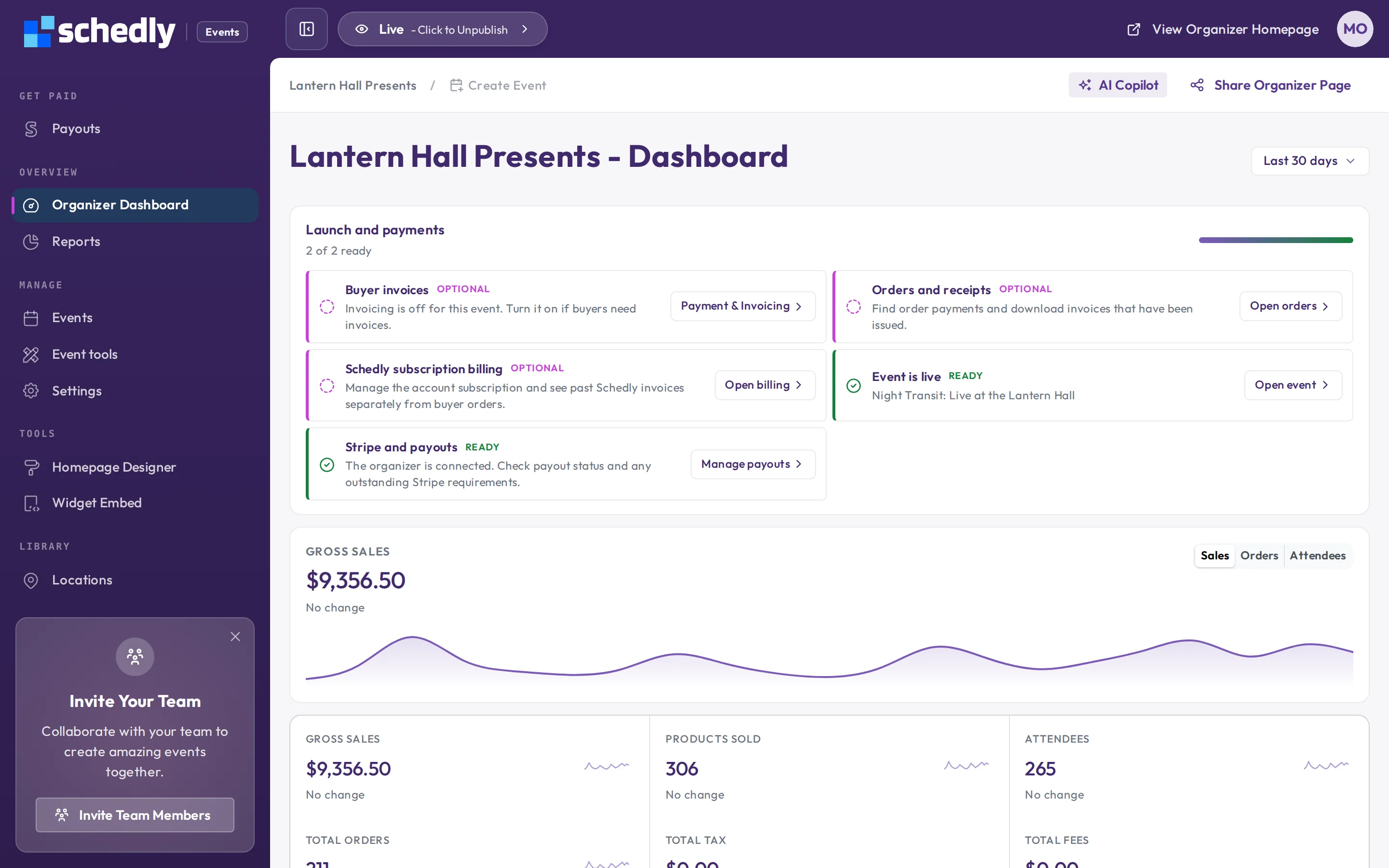
Explore live tools for ticketing, seating, timed entry, passes and event operations. Pick an area, then a view, or link straight to one. Each shows the real Schedly Events interface with sample data.
Every event, venue and teammate in one organizer account.
Start with the event essentials.
From the first announcement to the final report. Each guide walks through the workflow, the decisions behind it and what to check before you launch.
- Announce
Event pages
A public page that answers what, when, where and how to get in, with tickets beside the story.
- Four layouts, reorderable sections
- Live desktop and phone preview
- Announce
Embedded ticketing
Sell from the website you already have, with the same tickets, limits and sell-outs.
- Event, organizer and ticket widgets
- Direct event page link as backup
- Sell
Online ticketing
Build the offer once: tiers, add-ons, sale windows and order limits, with a pass buyers keep.
- Paid, free, donation and tiered
- Waitlist when a tier sells out
- Sell
Discount codes
Offers with a purpose and a ceiling: who it is for, what it unlocks, when it stops.
- Percentage, fixed or access codes
- Usage limits and expiry
- Collect
Event registration
Ask what the night needs, once per order or per guest, without making groups repeat themselves.
- Order and attendee questions
- Consents, waivers and exports
- Inform
Attendee messaging
Updates for the people they affect, with drafts and a record of what already went out.
- All attendees or by ticket
- Drafts and sent history
- Admit
QR check-in
Scan on the phones your team already carries, look guests up and see arrivals live.
- Lists per door, mobile scanning
- Search, check in and check out
- Review
Event reporting
Orders, products sold and people through the door kept apart, with CSVs when you need rows.
- Daily and product sales
- Check-in progress and exports

 To balcony seat holders · 38
The tools behind the whole event.
Explore the workflows behind assigned seats, physical scanners, event passes and AI assistance. Each guide explains the setup, the decisions and the checks that matter before you go live.
Build the venue
Turn the room, the seating and the arrival plan into an offer people understand.
- Venue floor-plan builderBuild venue plans with seating areas, entrances and organizer-defined layouts. Connect the room plan to ticketing and admission preparation.
- Reserved seatingSell assigned seats with interactive seat maps, seating categories, accessible options and organizer holds for theaters, galas and performances.
- Timed entryOffer timed entry with clear arrival windows and slot capacity. Plan admission for exhibitions, attractions, tours and staggered event arrivals.
- Lineups and schedulesOrganize sessions, performers, rooms and event schedules. Help buyers understand the program and check timing, access and venue information.
Run every entrance
Prepare people, devices and exception handling before the first guest arrives.
- Hardware scannersConnect compatible USB, Bluetooth and rugged 2D QR scanners to Schedly Events. Prepare devices, validate admission and manage scanning exceptions.
- Automated gatesPlan ticket validation at configured automated gates and turnstiles, with compatible controllers, venue adapters and installation testing.
- Offline check-inPrepare offline check-in packs, keep door teams working during connectivity loss and reconcile provisional admissions when devices reconnect.
- Box officeSell tickets onsite, assign available inventory and coordinate payment and admission at the box office. Prepare staff roles and supported payment hardware.
Design the admission
Make it clear what a ticket or pass includes, how it looks and how it changes hands.
- Event passesCreate event passes with explicit access and redemption rules. Explain which dates, sessions and entrances a buyer's pass includes.
- Wallet passesGive attendees a wallet-ready event pass with useful admission information and a QR code. Configure Apple and Google issuer requirements before launch.
- Ticket designDesign useful branded event tickets with attendee details, admission information and scannable QR codes. Test legibility on phones and printed copies.
- Ticket transfersLet eligible attendees transfer event tickets through a controlled acceptance flow, with updated holder details and replacement admission credentials.
Manage demand
Coordinate dates, prices and sold-out demand without obscuring what buyers are purchasing.
- Recurring eventsManage recurring event dates, occurrence-specific capacity and buyer date selection without losing the details that make each event different.
- Dynamic pricingReview ticket pricing and demand with Schedly Events. Set deliberate price changes, protect existing orders and keep buyer-facing prices clear.
- WaitlistsCapture demand after a ticket allocation sells out. Manage waitlist invitations, available capacity and clear expectations for interested attendees.
- Checkout recoveryFollow up eligible unfinished ticket checkouts with clear recovery messages. Respect consent, inventory availability and completed-order status.
Support the people
Give attendees useful self-service and your team appropriate access and records.
- Buyer self-serviceHelp event buyers find tickets, review order details and make permitted changes through secure self-service links, without exposing another buyer's records.
- Waivers and consentCollect event waivers and consent during registration, keep acceptance records and separate required participation terms from optional marketing choices.
- Team managementGive event staff appropriate access to ticketing, reports and check-in. Prepare invitations, role boundaries and a clean handover for event day.
Make informed decisions
Connect promotion and reporting to practical, reviewed organizer actions.
- AI CopilotUse permission-aware AI assistance for event preparation, campaign drafts and reporting questions. Review proposed actions before making changes.
- Custom reportsBuild event reports around the questions your team needs answered. Choose fields and filters, review definitions and export useful organizer records.
- Attribution and affiliatesTrack event promotion through campaign links and affiliate attribution. Compare referred orders with sales and keep attribution distinct from payouts.
Your event deserves a front door.
Create your event, sell tickets and check guests in. Free events cost nothing. Paid tickets carry a 1% ticketing fee, with no monthly fee or contract.